Parent-approved screen time
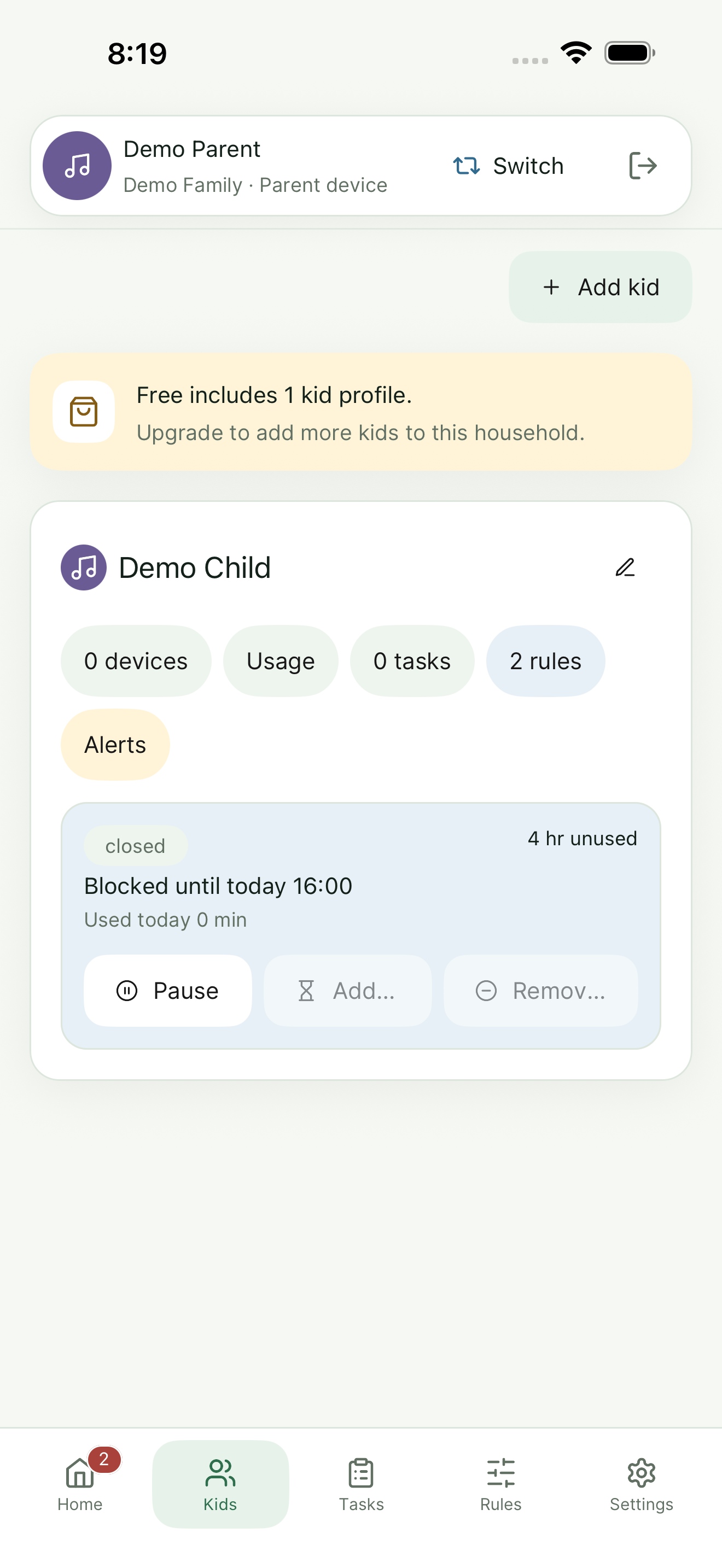
Set expectations for when apps and devices can be used, then review access requests from the mobile app.
 ScreenGrant
 Family screen time without the drama loop
Family screen time, tasks, and approvals in one calmer app.
ScreenGrant is a mobile application that helps parents set expectations, review requests, and give kids a clear path to earn or request device access.
App store links can be swapped in when listings are live. Privacy Policy

What ScreenGrant does
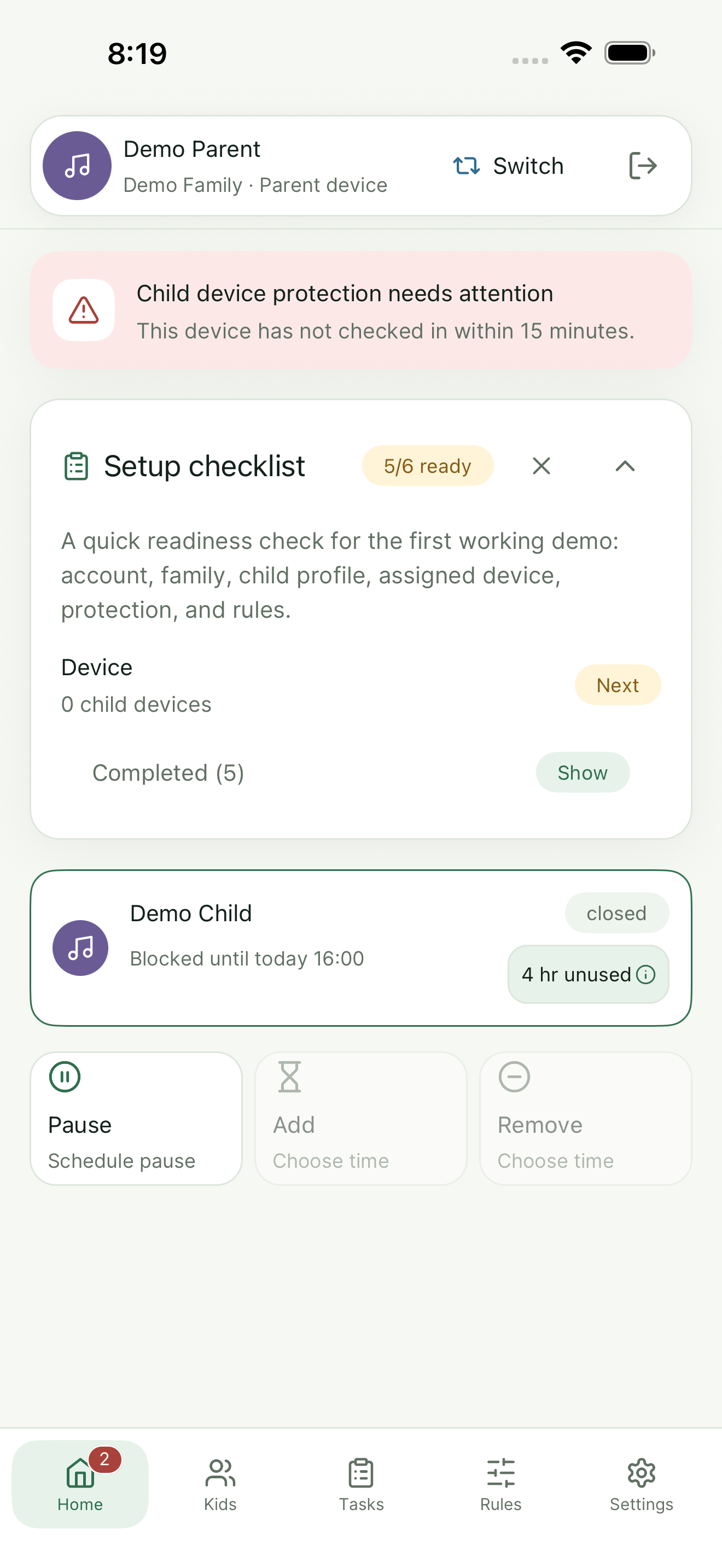
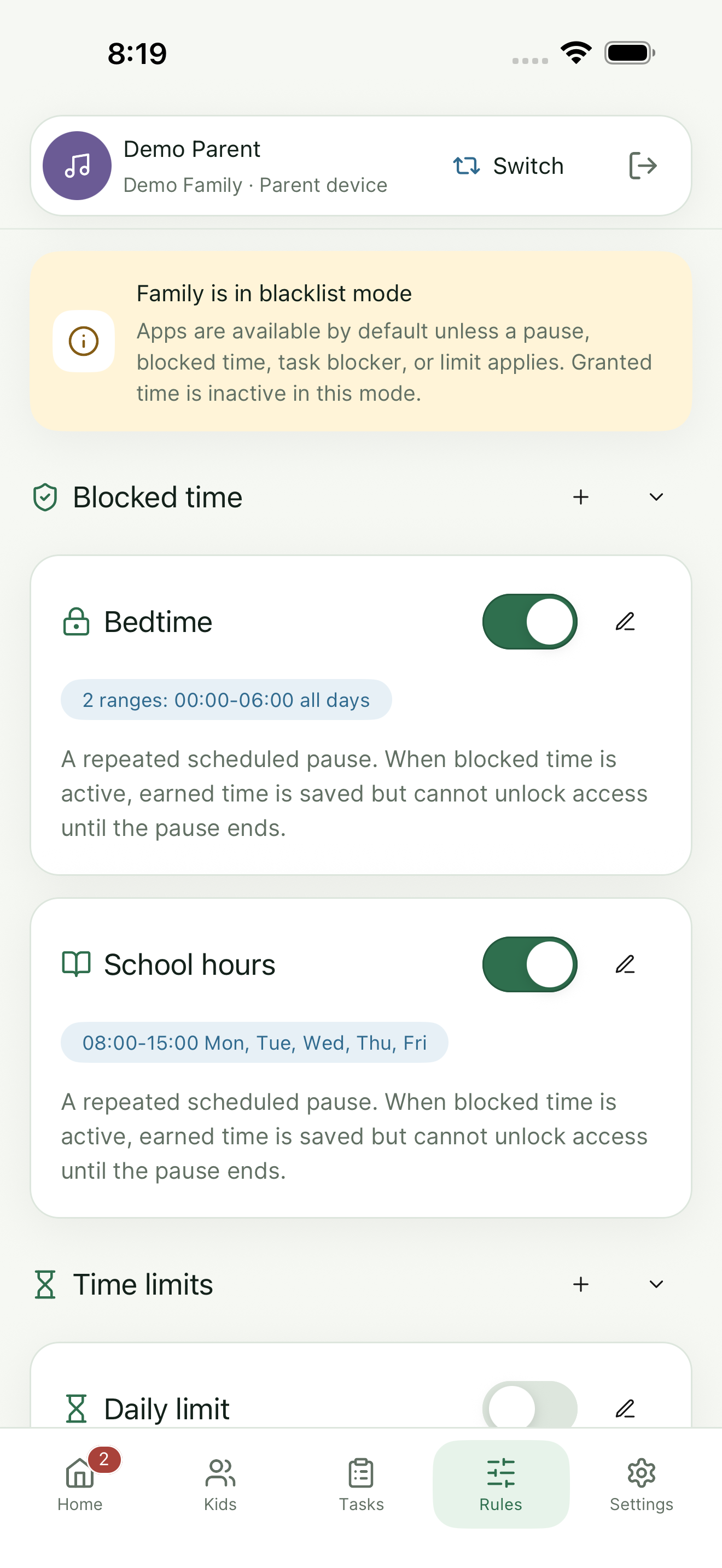
Set expectations for when apps and devices can be used, then review access requests from the mobile app.
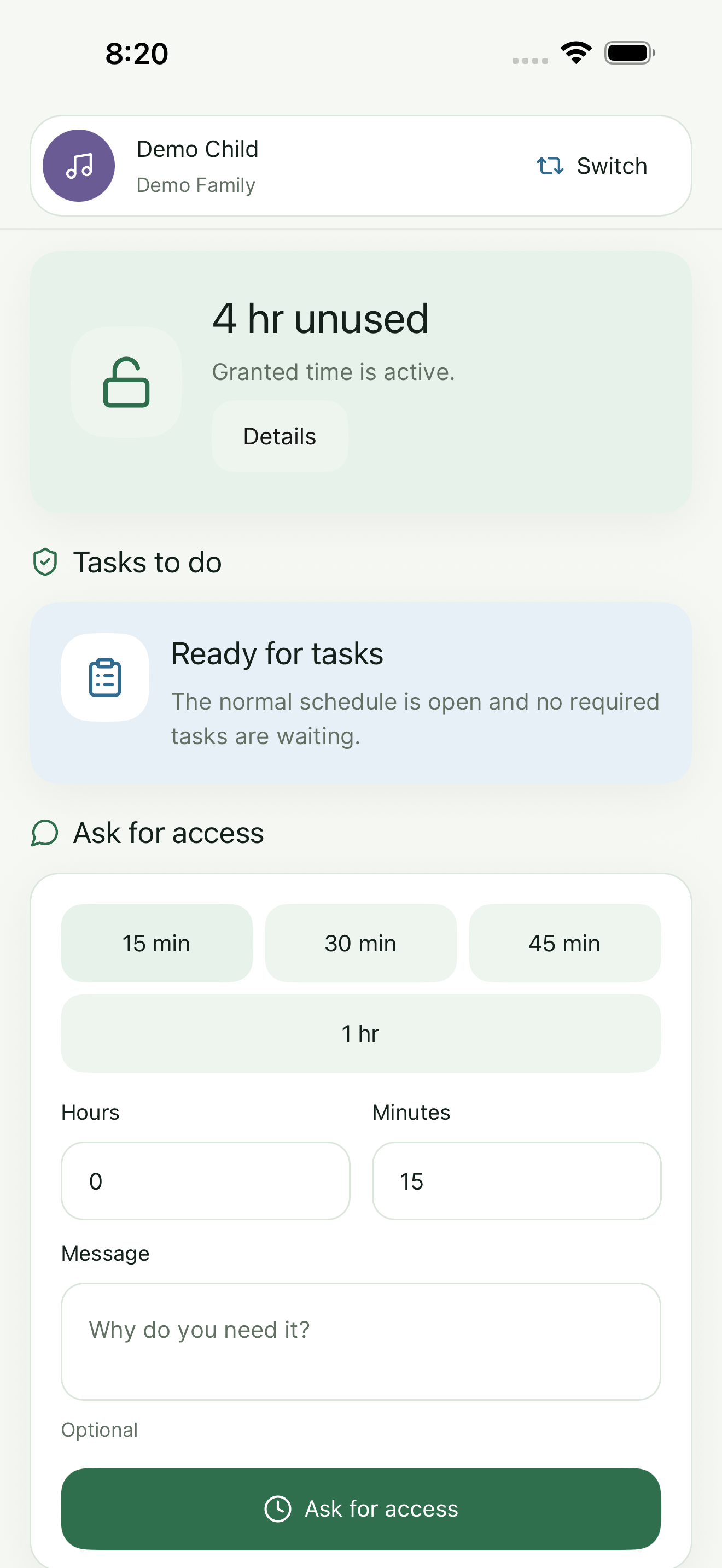
Create family tasks and let kids submit completion details or proof when your household chooses to use that workflow.
Kids get a clear view of what is available, what is blocked, and how they can ask for access.
Help parents understand connected devices, active rules, and setup status in one practical family view.
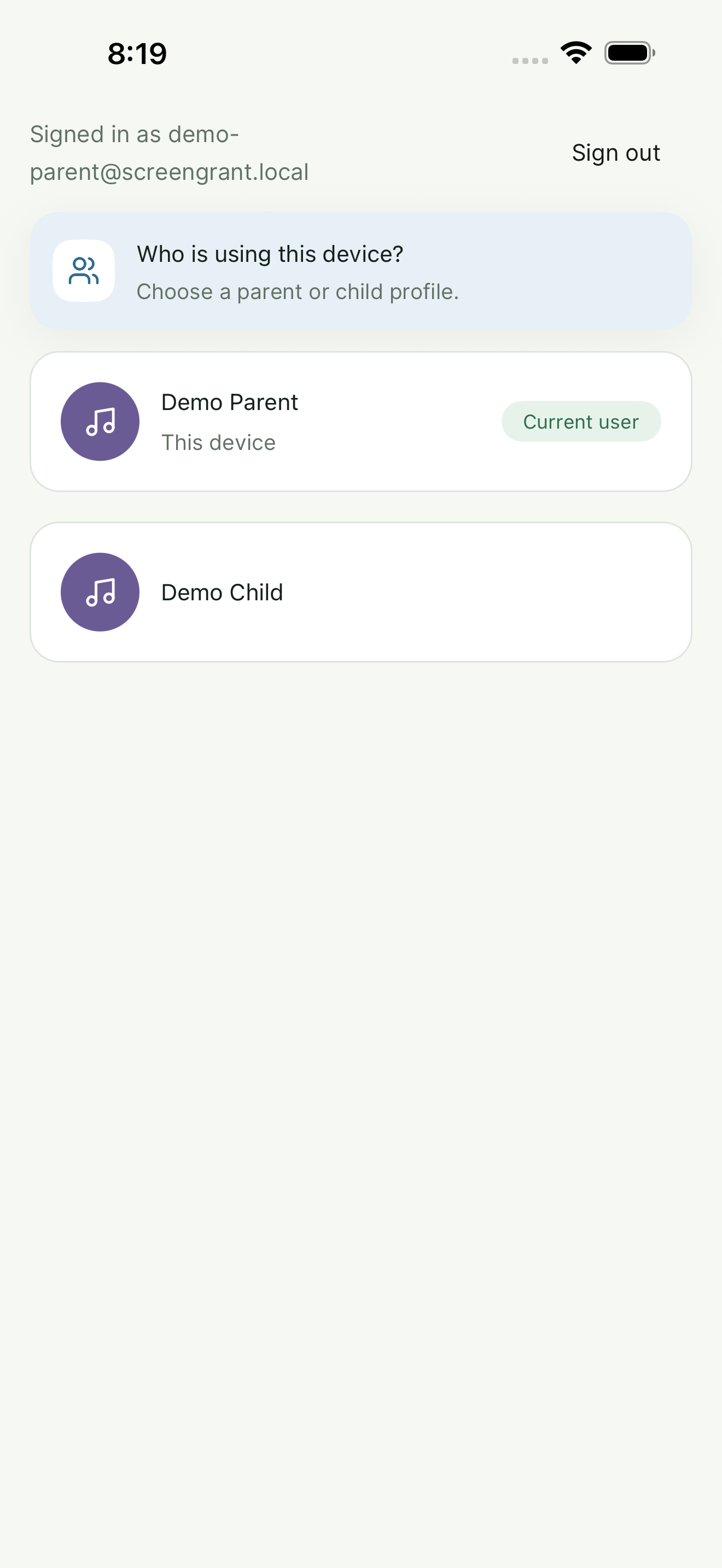
Organize children, parents, and devices so the right settings apply to the right family member.
ScreenGrant Plus is designed to support fuller family setups, cross-device approvals, notifications, and richer history.
How it works
ScreenGrant Plus
Helps a family try ScreenGrant with limited local device management and a smaller setup.
Designed to support more children, parents, and devices; remote approvals; proof-based tasks; richer activity history; push notifications; and more flexible app and rule controls.
Subscriptions are managed through the app stores. ScreenGrant does not process billing on this website.
Data transparency
ScreenGrant asks for data only to connect the right parent, child, profile, rules, tasks, and devices inside your family setup.
If a parent signs in with Google, ScreenGrant uses Google user data only to authenticate the parent account, identify the account, connect the right family setup, and provide the ScreenGrant features the family requests.
ScreenGrant does not sell personal data and does not use this website for billing. Parents and guardians are responsible for configuring the app for their household.
Read the Privacy Policy Canonical API Privacy PolicyTrust and limits
Device controls depend on operating-system permissions, network conditions, app store rules, and device settings. ScreenGrant is a family management tool, not a substitute for supervision or safety planning.